

No products in the cart.




Out of stock
Choosing products in the HR online shop
The HR online shop brings together products for sugaring, hair removal, skincare and professional accessories. The product grid above is the current overview: every card leads to its own product page, where the displayed name, pack size, selectable option, price and availability can be checked before ordering. This guide helps you navigate the range without replacing any of those individual product details.
Start with the purpose of your order and then compare products within the relevant category. If you already know the exact product, use its full title and pack size when checking the page and the basket. If you are exploring the range, open the category first and review the available product pages one by one.
Browse the shop by product category
The hair removal category provides the broad overview for the related shop range. The dedicated sugar gel category groups the currently listed sugar-gel products, while the Grandma’s Sugar category leads directly to that product family. Category pages are useful when several related items need to be compared before opening the final product page.
The accessories category groups the supporting shop products. Skincare products can be found through the skincare category, with separate collections for peeling and Witch Hazel. These links provide shorter routes to a focused selection while preserving access to every individual listing.
Compare the Grandma’s Sugar listings
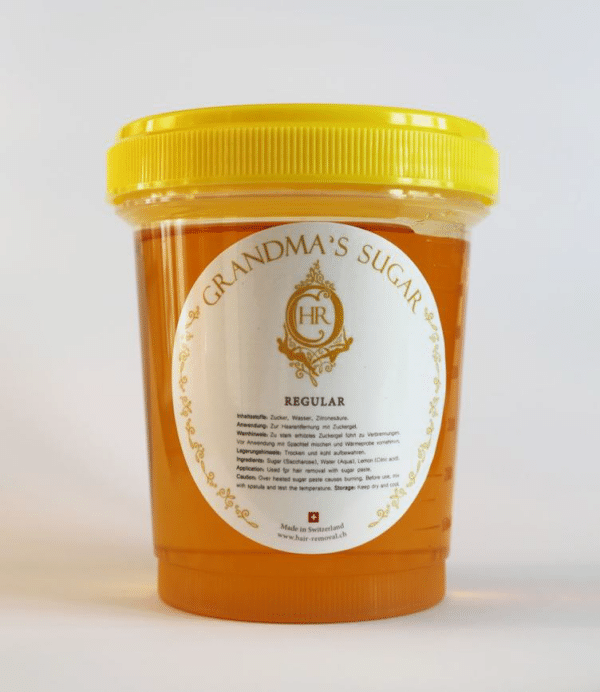
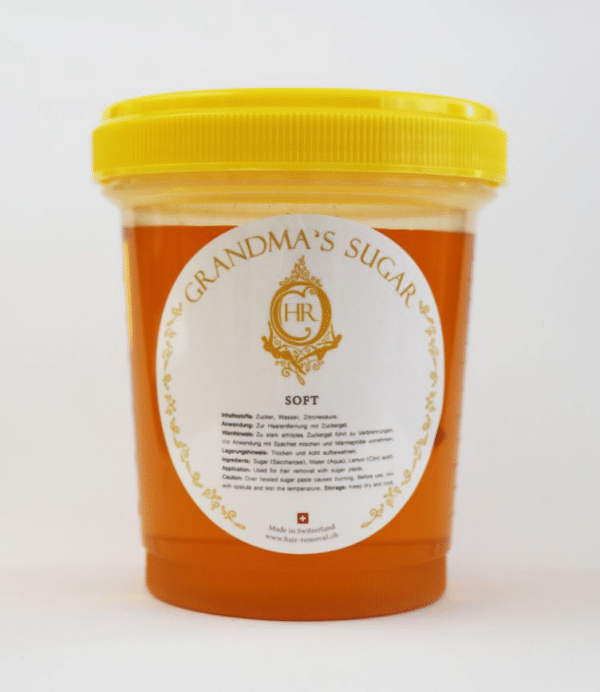
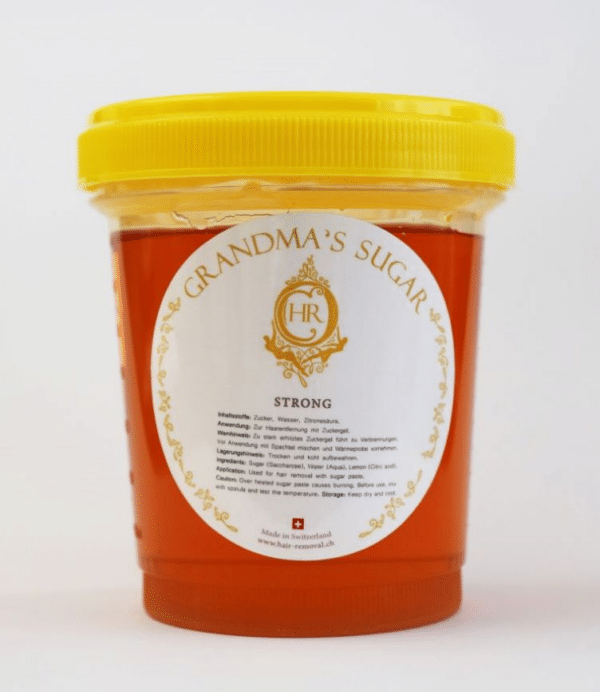
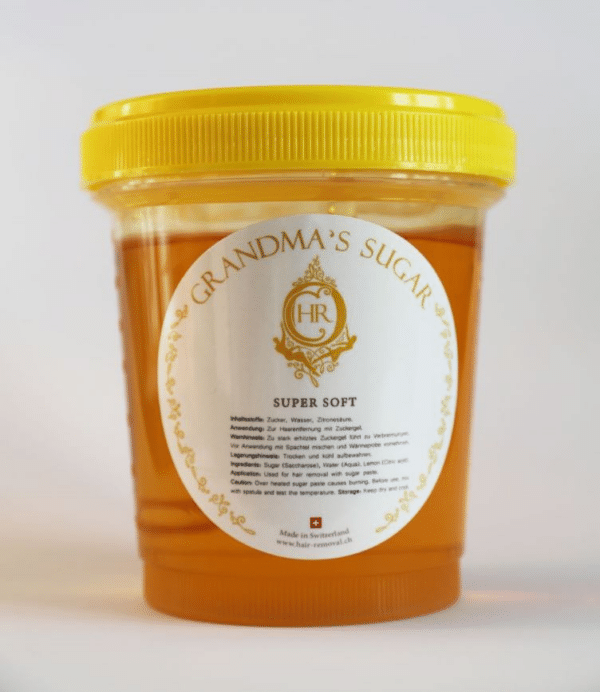
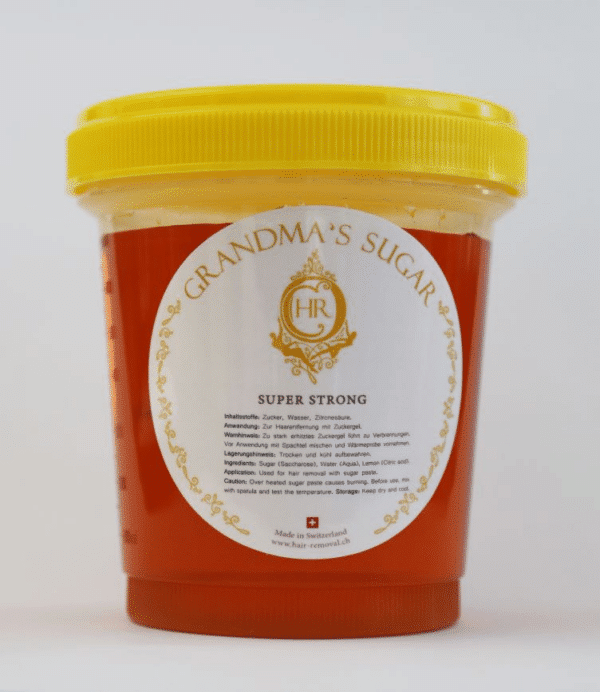
The shop presents Grandma’s Sugar in five separately named listings: Regular, Soft, Strong, Super Soft and Super Strong. Each name opens a distinct product page. When comparing them, keep the complete product title visible and check the page content supplied for that exact listing. Do not rely on a shortened note such as “sugar gel” when several variants are included in the same order.
A useful comparison note contains the product name, selected quantity and the date on which the page was reviewed. The product page and basket remain the live sources for price and availability. This is especially helpful when an order is prepared by one person and reviewed by another before checkout.
Find accessories and pack formats
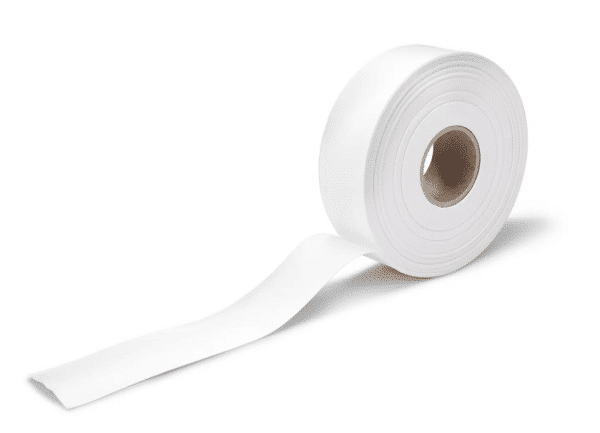
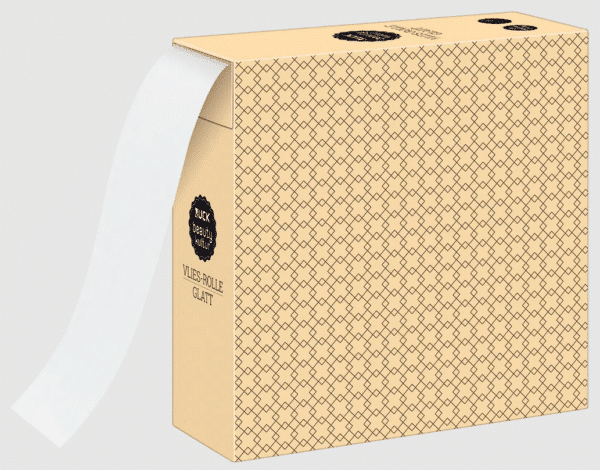
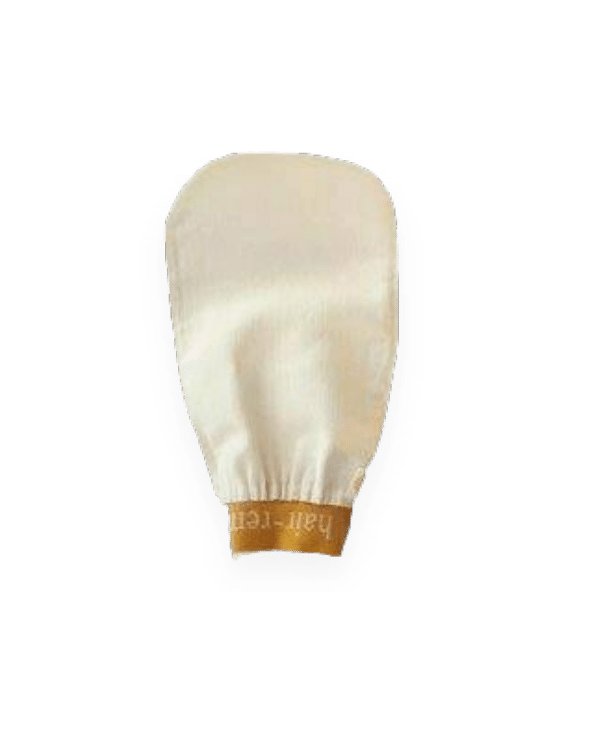
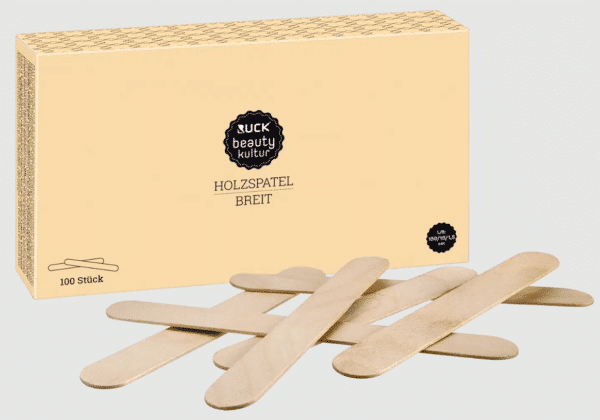
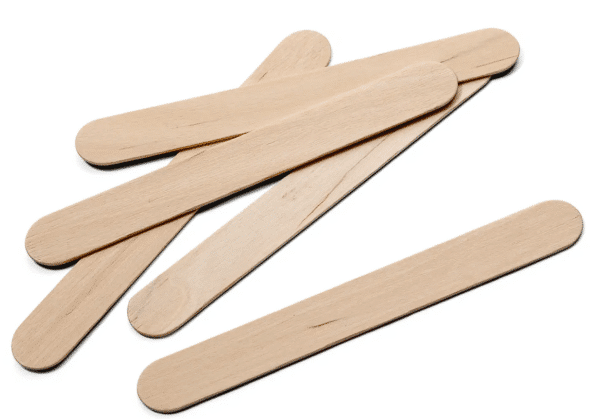
The English shop includes product pages for a fleece roll, a stack of 100 fleece strips, a wide spatula pack and talcum powder. Some products are offered in more than one pack size or format, so the full title matters. Open the individual page and check the displayed pack information rather than assuming that a category label identifies the intended item.
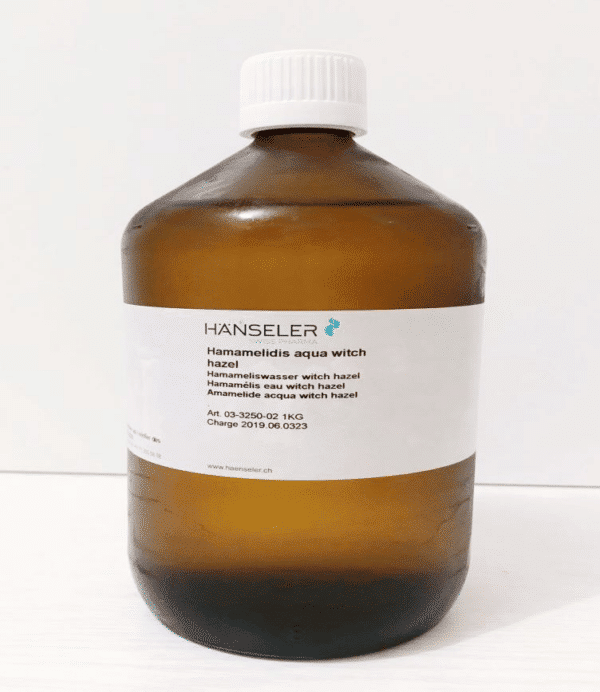
Witch Hazel is listed on separate 1kg and 5kg pages. The two pages have different product references and their availability may differ. Peel Silk also has its own product page with selectable product information. Where a product page presents options, review the selected option again in the basket before checkout.
Read the individual product page before ordering
Use the product card as the route to the full listing. On the product page, compare the heading, visible product information, pack size, SKU where displayed, price, stock message and any selectable variation. The information shown for the current product should match the line that appears in the basket.
Older screenshots, saved browser tabs and previous order confirmations can help identify an earlier purchase, but the live page and current basket show the information for the new order. If two products have similar names, compare their complete titles and page addresses before increasing the quantity.
Check price, availability and quantity
Prices and stock messages are intentionally not repeated in this guide because they can change independently of the surrounding shop text. The current values are displayed in the product grid, on the product page and in the basket. An item that cannot currently be added to the basket should not be treated as available solely because it appeared in an older order.
Before continuing to checkout, review every basket line for product name, option, pack size, quantity and price. If the order contains several similar products, read the lines individually instead of relying only on the total number of items.
Prepare a clear repeat order
For a repeat order, begin with the previous order confirmation and then open the current product page. Match the product name and identifying details before adding the new quantity. If a product name, format or availability has changed, use the current listing as the reference for the new basket.
For business purchasing, an internal note can include the product title, pack size, SKU where available, quantity and order date. That record makes later stock checks and repeat orders easier without changing the product information held by the shop.
Build the order in a clear sequence
A consistent order sequence makes a larger basket easier to review. First choose one product category, then open the required product page, confirm the exact listing and add the intended quantity. Return to the category or shop overview only after that basket line is correct. Repeating this sequence reduces the chance of confusing products with similar titles.
When the basket contains items from several categories, review them in the same order as the purchasing list. Compare each line with its product page and mark it as checked before moving to the next item. The total value is useful at the end, but it does not replace the line-by-line review.
Use product links for internal purchasing
If more than one person is involved, share the exact product-page link rather than only the product name. The link gives the reviewer the same listing, while the product title, pack size and quantity can be written next to it. This produces a clearer request than a message such as “order the same product again”.
For a planned later order, save the category page as the starting point and the final product page as the item reference. Open both links again when ordering because price and availability are live shop values. A bookmark is a route to the listing, not a permanent record of its commercial details.
Separate product selection from final checkout
Product selection and checkout are two different checks. During selection, confirm that the correct listing and option have been added. During checkout, confirm the complete basket, quantities, prices and the information requested for the order. Keeping those checks separate makes it easier to find and correct a wrong basket line before the order is completed.
If the basket is edited after the first review, repeat the relevant line checks. Removing one item, changing a quantity or selecting another product can change the order that is finally submitted. The last basket view should therefore be treated as the final purchasing overview.
Keep a useful order record
After checkout, retain the order confirmation together with any internal purchasing note. A useful record identifies the order date, product names, pack sizes or options, quantities and the person who reviewed the basket. The next repeat order can then begin with a precise reference instead of relying on memory.
If a product is reviewed but not ordered, keep it separate from the completed order record. This distinction prevents a saved product link or shopping note from being mistaken for an item that was actually purchased.
Frequently asked questions about the online shop
Where can I see the current price?
The current price is shown on the product card, the individual product page and the basket. The basket should be checked again before checkout.
How can I tell whether a product is available?
Use the availability message and purchasing controls displayed on the current product page. Availability may differ between pack sizes or separate product listings.
Where can I compare the five Grandma’s Sugar products?
Open the linked Grandma’s Sugar or sugar gel category and then review the separate Regular, Soft, Strong, Super Soft and Super Strong pages.
How do I choose between two pack sizes?
Open both product pages and compare the complete title, pack size, SKU where displayed, price and availability. Add only the intended listing to the basket.
Does this guide replace the product description?
No. The guide explains how to navigate and check the shop. The individual product page remains the source for the content attached to that listing.
What should I check before checkout?
Review the product name, selected option, pack size, quantity, price and every basket line before completing the order.
Can I send a product link to another person?
Yes. Send the exact product-page link together with the intended pack size or option and quantity so the same listing can be reviewed.
What is the best starting point for a larger order?
Use a category page and a written purchasing list, then add and verify one product page at a time.
Should I rely on a saved basket?
Open the current shop and verify every line again. A saved state does not replace the current product page, price and availability check.
What should be kept after checkout?
Keep the order confirmation and any internal note that identifies the reviewed products, quantities and order date.